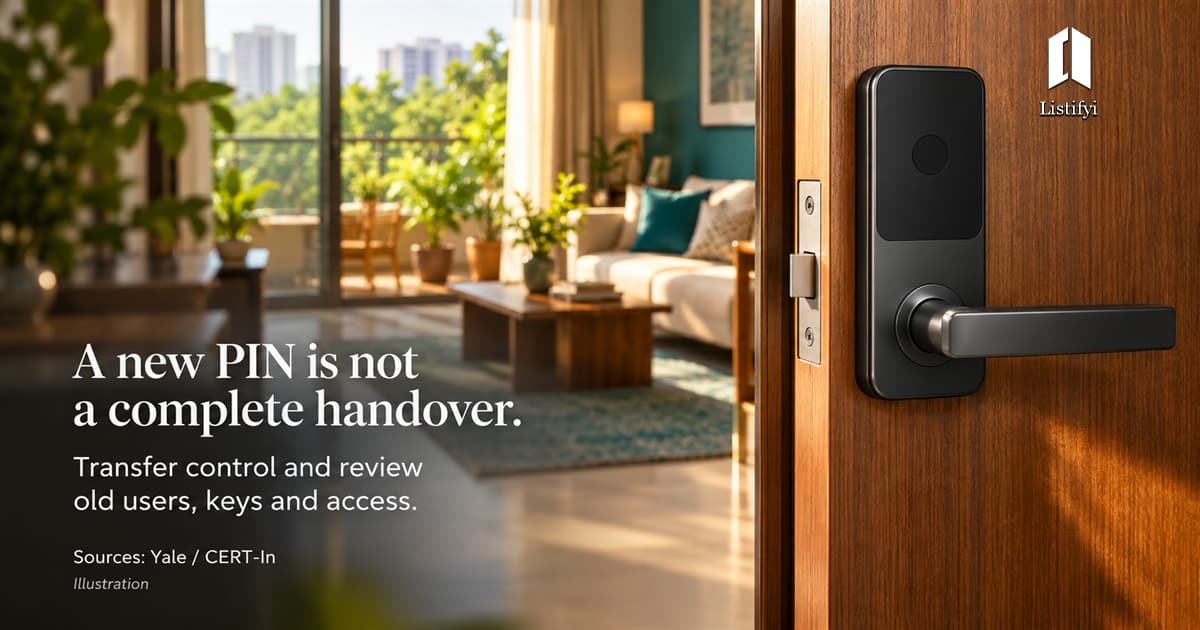
A new door PIN can feel like the final step in taking a Hyderabad flat. With a connected smart lock, however, the visible code may be only one part of access. Account ownership, other users, physical keys and connected services can require separate handover.
Quick Answer
Identify the exact lock model and follow its authorised ownership-transfer process. Yale’s model-specific support explains that pre-owned connected locks can require action involving the previously linked owner. CERT-In recommends changing default credentials and keeping IoT devices updated. Neither point means that changing one PIN transfers every account or removes every old access route.
Updated: 26 October 2026. Features and procedures vary by model; no device has been security-tested here.
What You’ll Learn
Why account control and entry codes are different.
What belongs in a smart-lock handover record.
How to avoid being locked out during a transfer.
Identify The Device And Access Methods
Record the model, supplied accessories, physical keys and available support information. Ask which access methods are actually enabled: codes, cards, biometric enrolments or remote services, where supported.
Do not publish PINs, serial-number photographs, recovery codes or account credentials in the listing or handover group.
Separate The Handover Items
Item | What to confirm |
|---|---|
Main account or administrator | Who controls it after the agreed handover? |
Other users and integrations | Which authorised access remains or is removed? |
Physical keys or cards | What exists and what is being delivered? |
Connectivity and support | What needs reconfiguration or ongoing service? |
Power and fallback | What manufacturer-approved procedure applies? |
Not every lock has every feature. Use the actual manual, not a generic internet reset tutorial.
Transfer Control Through The Proper Process
Ask the current authorised administrator and manufacturer support to complete the necessary transfer. Confirm the agreed access list afterward.
Do not assume a seller’s account can remain indefinitely because the lock opens successfully during the viewing. A single successful unlock does not establish who else retains access.
In a rental, clarify the owner’s and occupant’s agreed administrative roles. Technical administrator status does not itself decide a landlord’s legal right to enter. Do not remove legitimate access or alter shared building systems without authority.
Avoid A Lockout During Setup
Arrange the transfer at an agreed handover time with the authorised parties and suitable support. Confirm the manufacturer-approved fallback before making changes.
Do not improvise bypass methods, dismantle a shared entrance lock or follow instructions for another model. Where the documented process is unclear, contact the manufacturer or a competent authorised installer.
Review Maintenance And Exit
Agree who replaces batteries, handles service calls and pays any applicable subscription. Confirm support availability and whether the supplied model still receives relevant updates.
Record how access will be removed or transferred when the next tenant leaves or the property changes hands. Keep sensitive credentials out of the ordinary inventory document.
Frequently Asked Questions (FAQ)
Does a new PIN remove the previous owner’s account?
Not necessarily. Check the model’s account and ownership process separately.
Do all smart locks require a cloud account?
No. Features vary. Identify the actual device and enabled services.
Should the seller give me their personal account password?
Use the manufacturer’s proper transfer process rather than casually sharing personal credentials.
Can I use a reset video for a similar-looking lock?
Do not assume the procedure is compatible. Use the exact model’s official instructions.
What should a tenant agree with the landlord?
Administrative roles, permitted access, service responsibility and the exit process, without treating technical permissions as a substitute for legal rights.
Sources And Limitations
Yale is a manufacturer example, not an endorsement or a procedure for every brand. CERT-In supplies general IoT-security guidance. This is an access-handover checklist, not a security certification or lock-bypass guide.
Next Steps
Complete the authorised transfer and confirm the agreed access arrangements before relying on the lock. Browse properties on Listifyi. Rental businesses documenting handovers carefully can explore Listifyi business onboarding.